
Catalog your books
Track your reading
Scan barcodes to build your home library in minutes, see what you already own, and log every session, goal and quote — in one app.


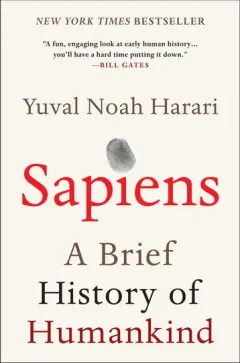
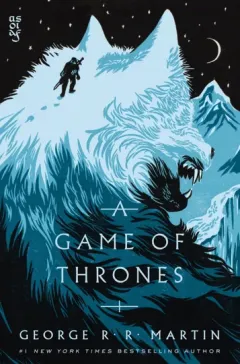
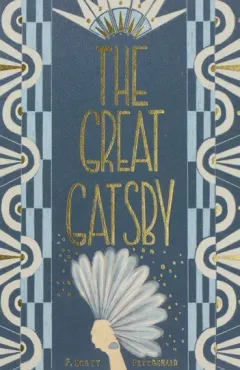

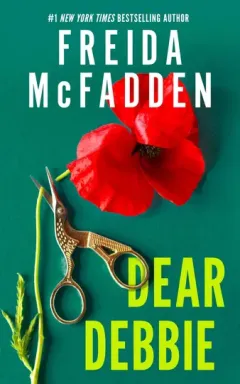
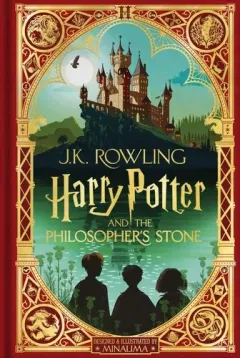
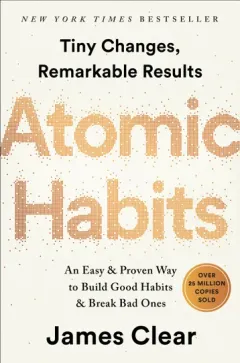
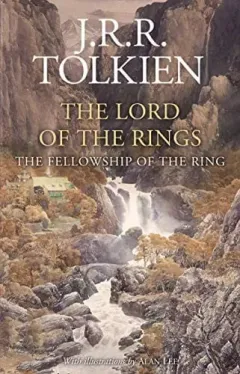
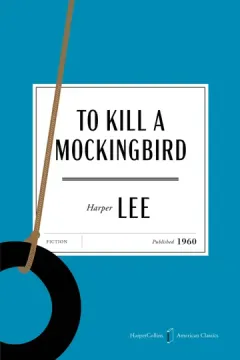



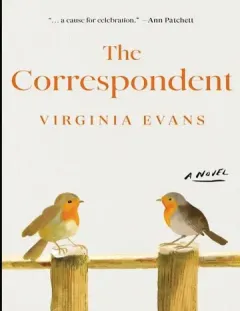
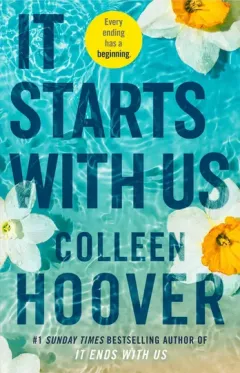

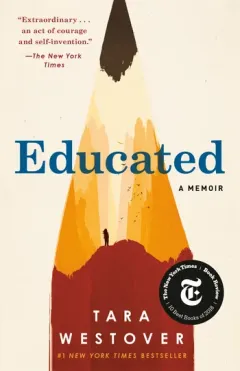
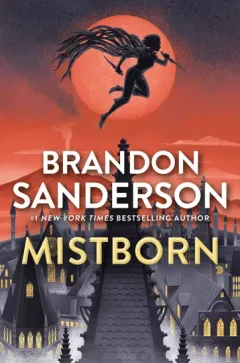
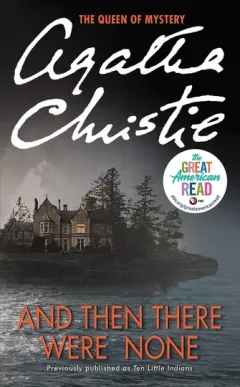
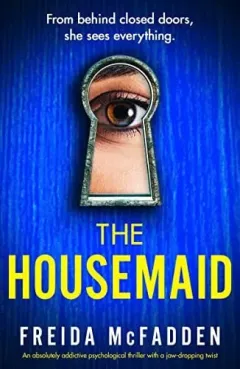
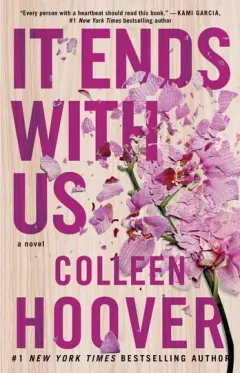
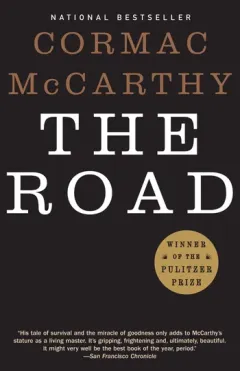
What can you do with Bookella?
Know what is already home
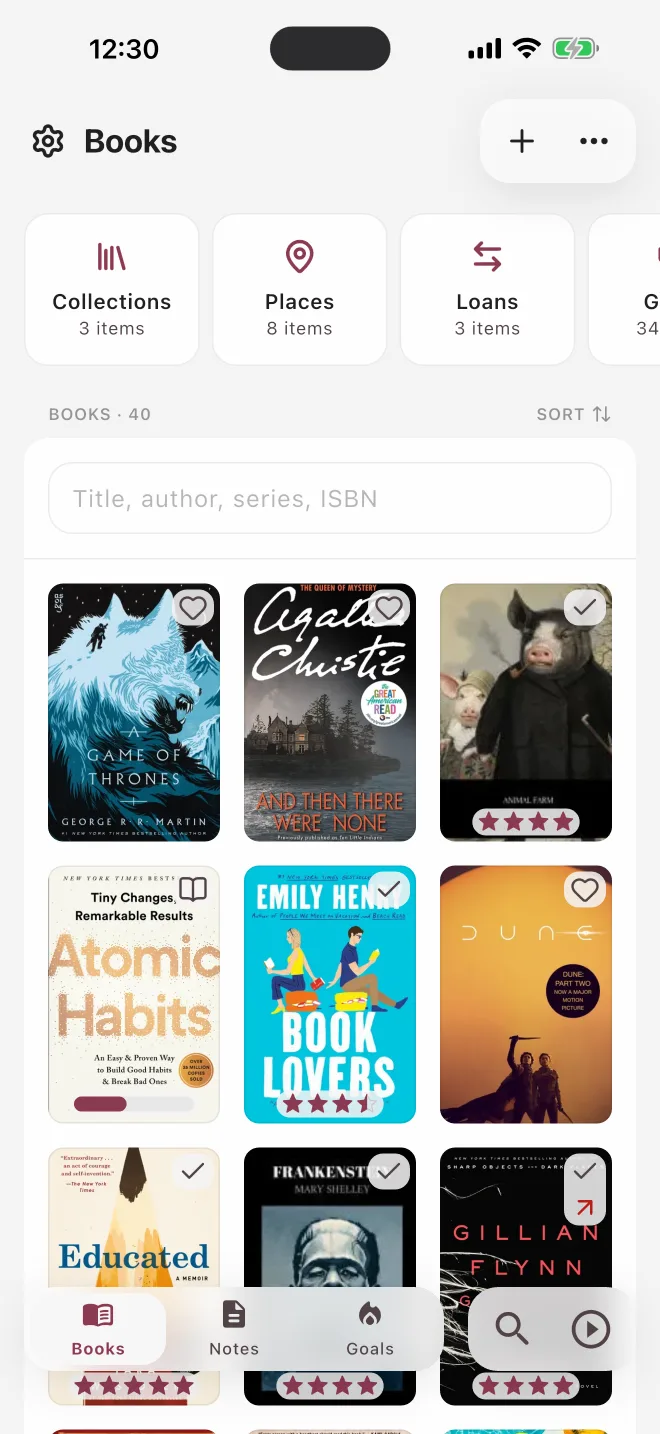
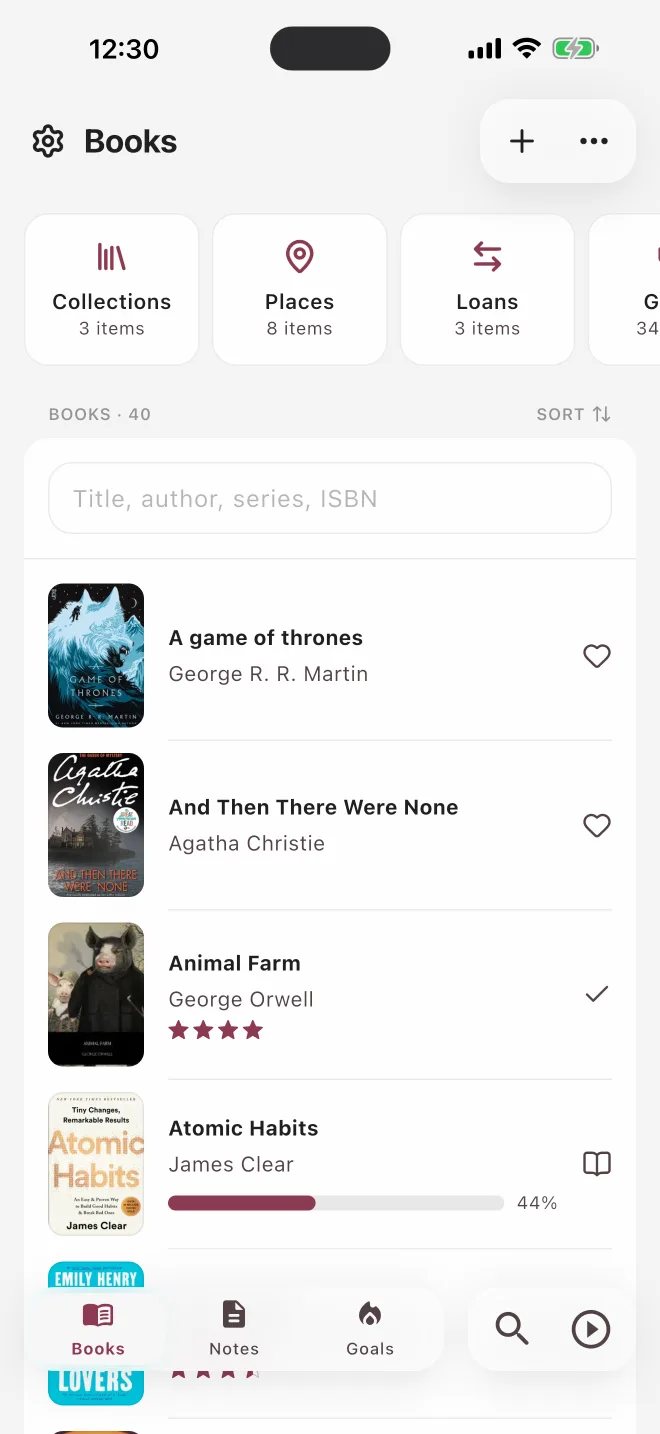
Your whole library at a glance. Scan a barcode in the shop and see at once if the book is already on your shelf.
Keep owning and reading apart
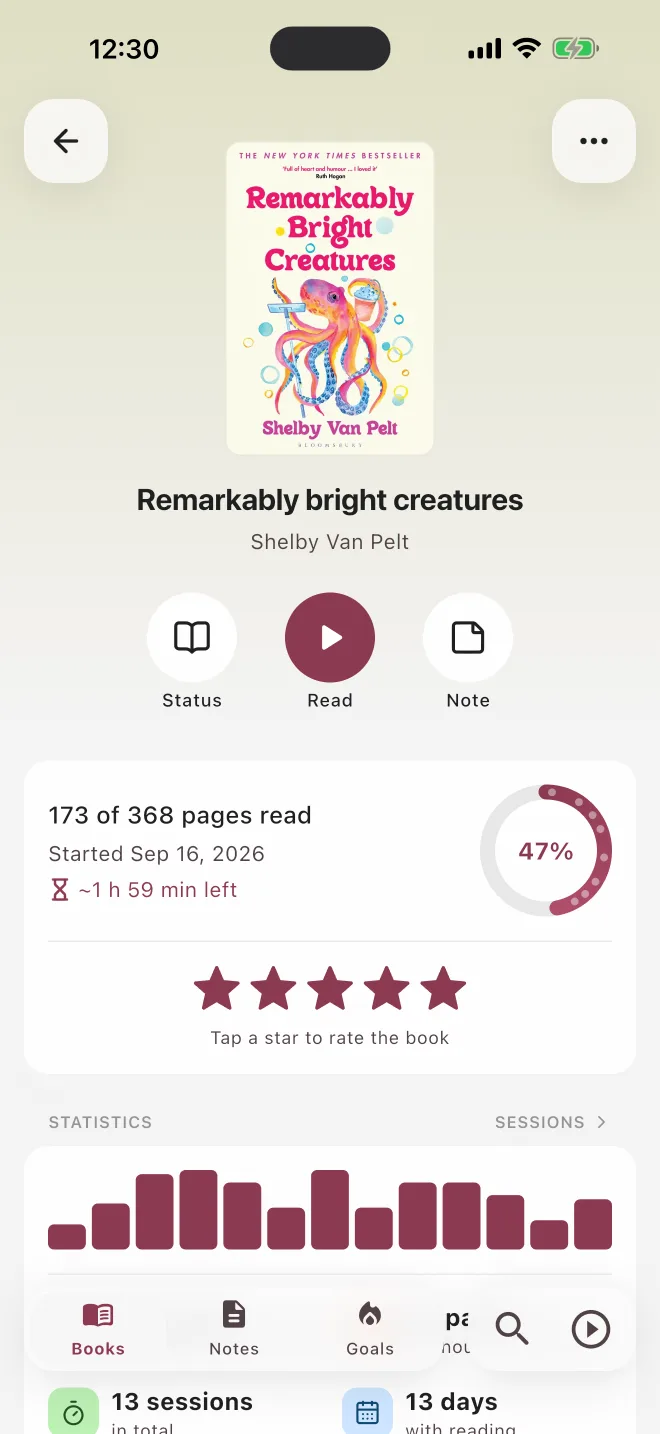
A library book you finished and a book you lent to a friend are not the same thing. Bookella tracks owning and reading separately.
Track a session, or just the page
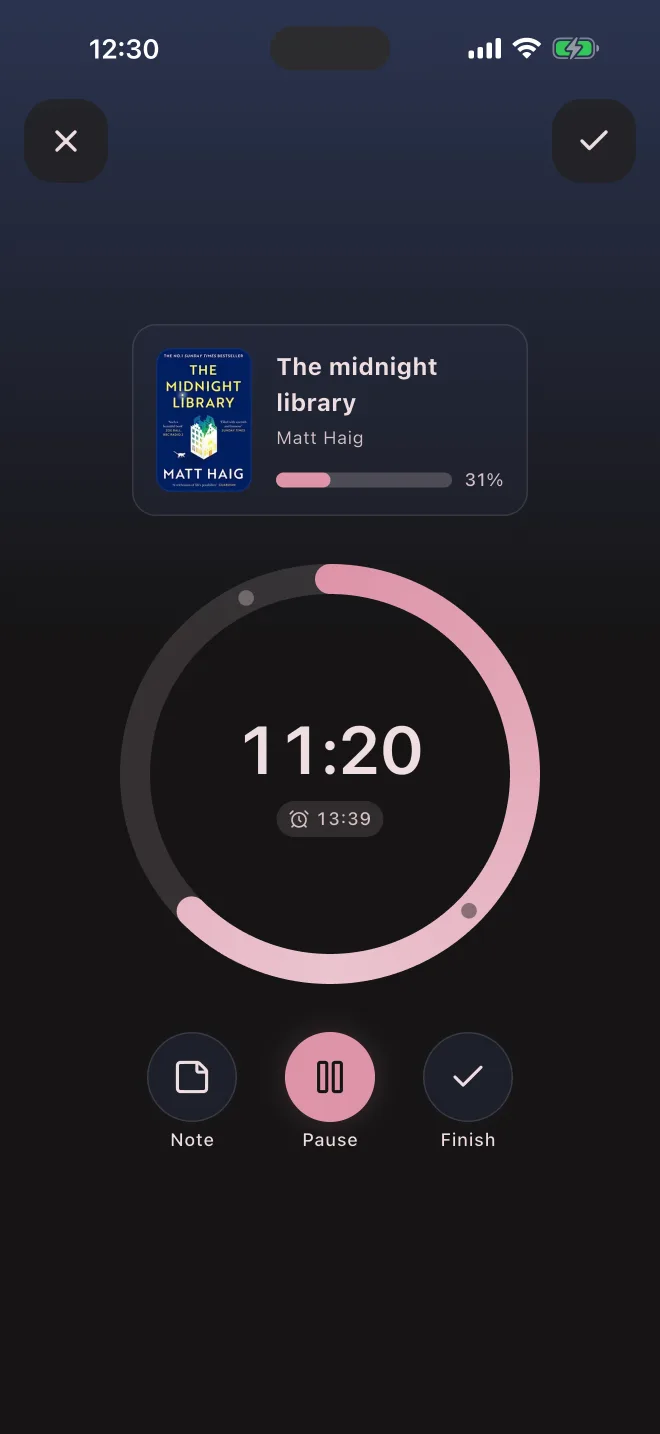
Run a timer or type the page you stopped on — both count toward your daily goal.
Why Bookella?
Never buy the same book twice
The scanner checks your library as you go: “already home” and “already read” show up before you reach the till.
Owning and reading, kept apart
Library books, e-books and audiobooks count as read without cluttering your shelves — and a book you lent out is still yours.
Your library is safe
Everything is saved to your account and synced across your devices, so a new phone does not mean starting over.
Finds the books others miss
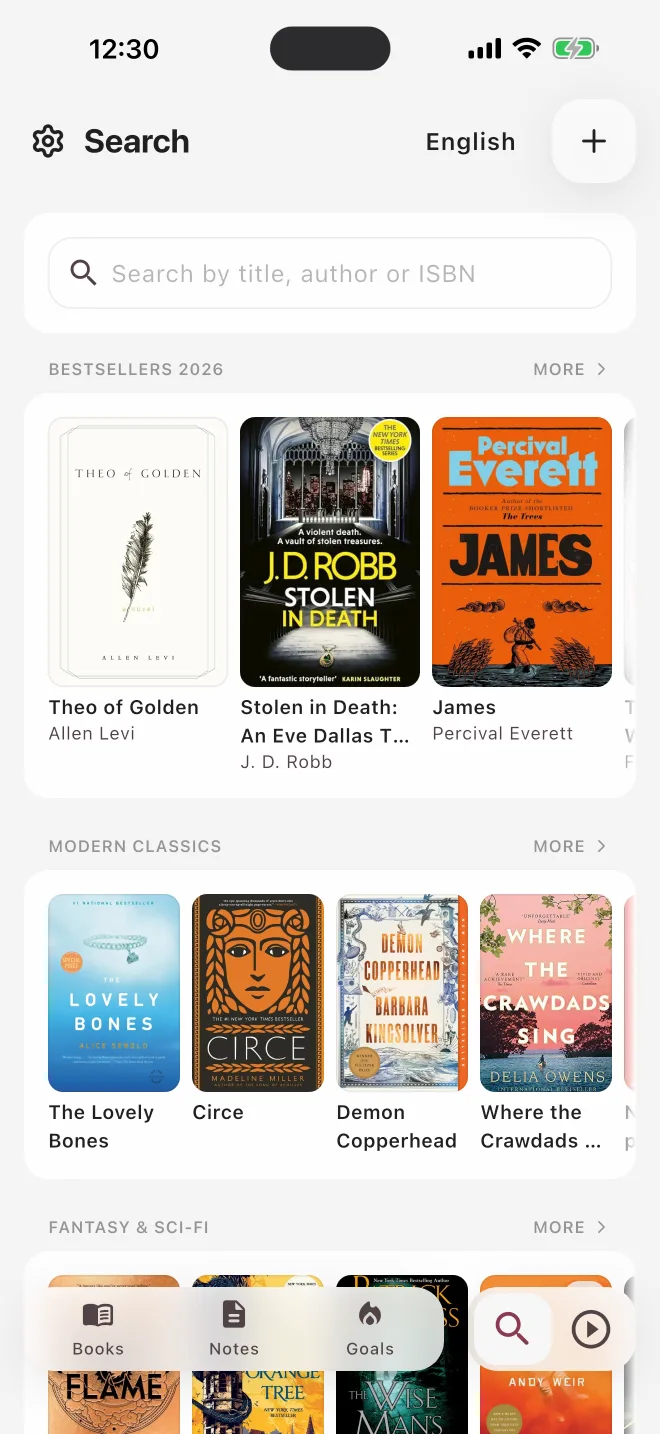
Two dozen library catalogs and national libraries for 16 languages behind every search — regional editions included.
A look inside
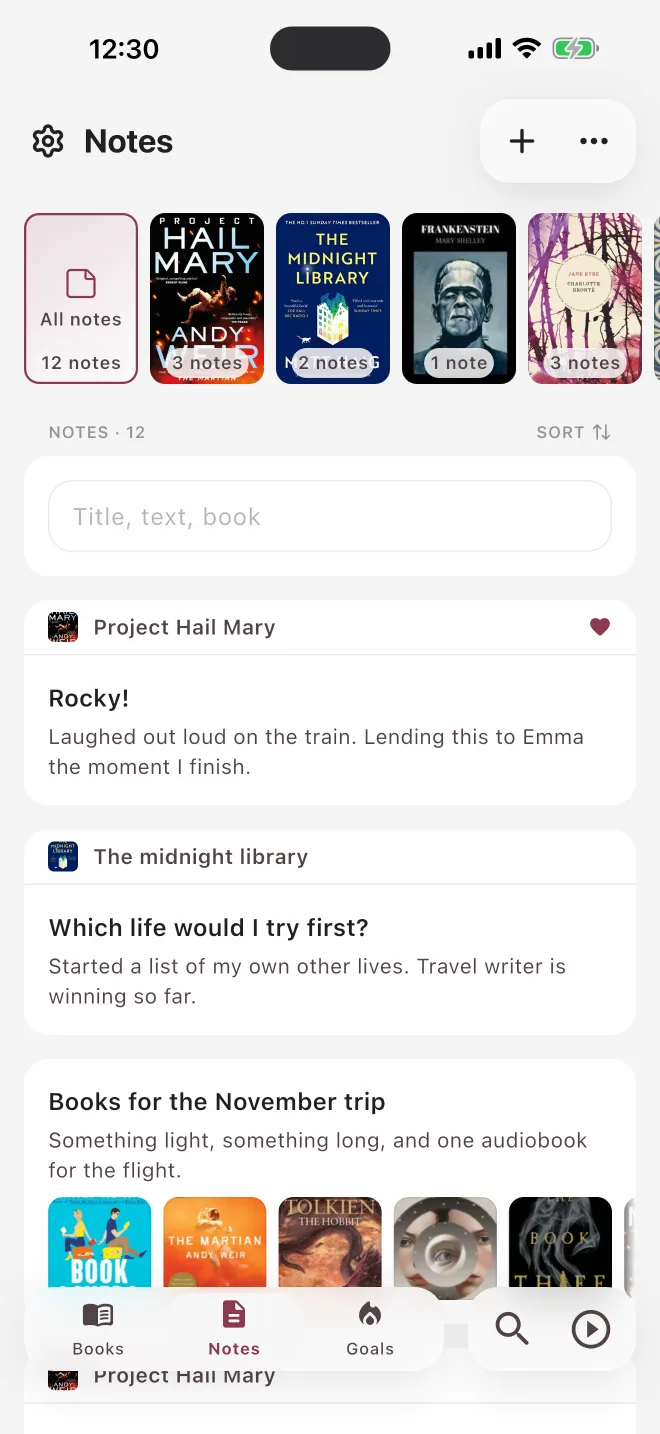
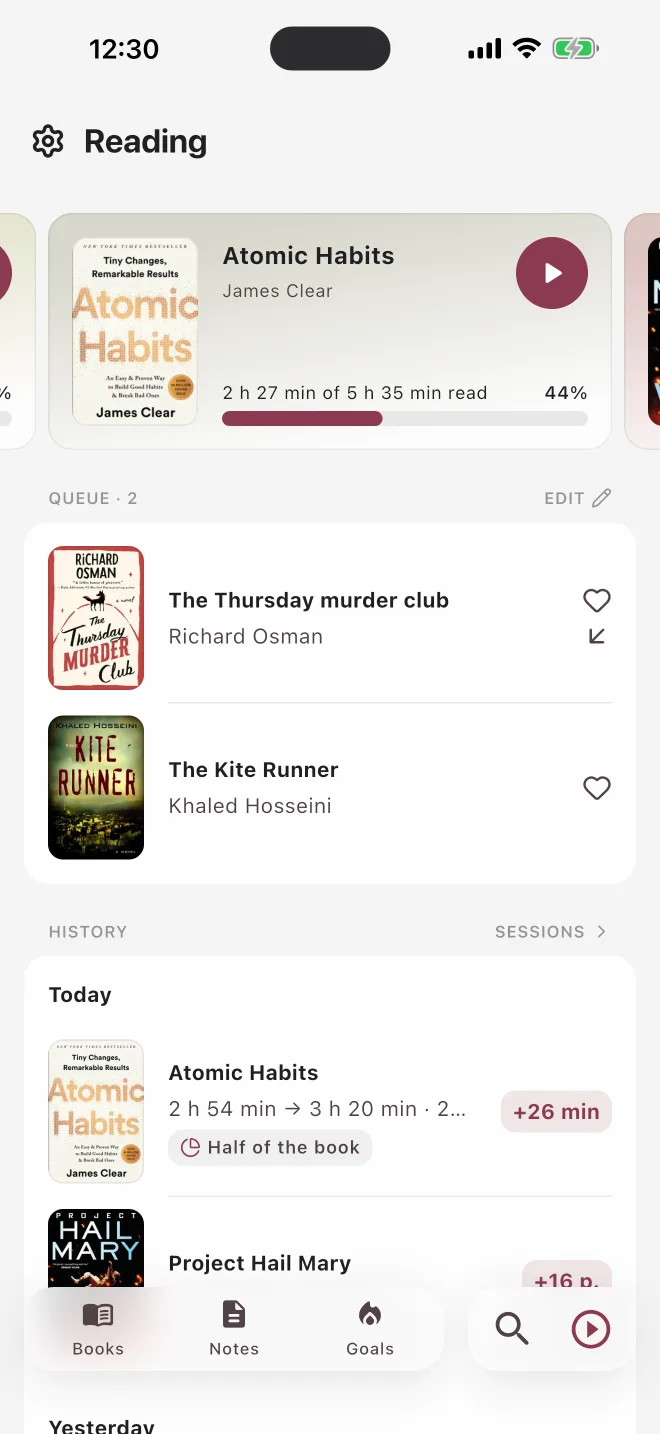
Five more places you will come back to — your library, your notes, your goals, something to read next and what you are reading now.
In the app
Bookella is for people with a few hundred books at home who also read a lot — series collectors, parents, students.
Barcode scanner
Scan a whole shelf in minutes — books you already own or have read are marked as you go.
Two axes
Format, condition and where a book sits — kept apart from what and when you read it.
Sessions & timer
Pages or minutes, with or without a timer, and a reminder on the days you choose.
Goals & stats
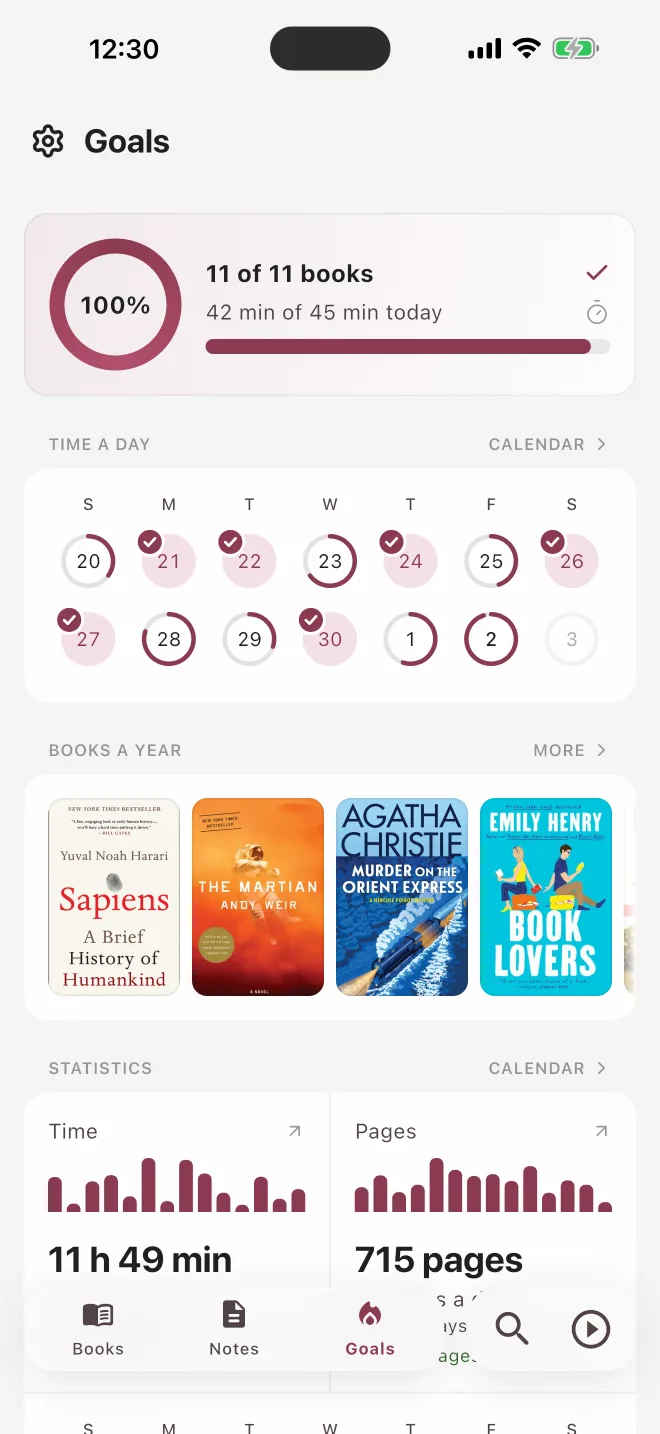
A yearly goal, a daily goal, a reading calendar and numbers that mean something.
Loans
Who has your copy, since when, and a nudge before it is forgotten.
Collections & places
Shelves, rooms, boxes — find a book in the flat, not just in the app.
Notes & quotes
Notes and quotes with the page they came from — share any of them as a card.
Themes & colors
Light and dark themes and eight accent colors — make the app look the way you like.
Import & export
Bring your library over from Goodreads or StoryGraph, and export it to CSV any time.
Sync & offline
Works without a signal and syncs across your devices when you are back online.
Frequently asked questions
Is Bookella free?
Yes. The free version holds 50 books and 3 collections, and scanning, reading sessions, the timer, goals, notes and loans have no limits. There are no ads in the app. Premium removes the limits on books and collections and adds detailed statistics and photos in notes — as a monthly or yearly subscription, or a one-time lifetime purchase. If a subscription ends, nothing you created is locked.
Which devices does it run on?
iPhone, iPad, Android phones and tablets. One account keeps your library in sync on all of them.
Can I import my books from Goodreads or another app?
Yes. Export a CSV file from Goodreads, StoryGraph or another tracker and import it into Bookella — you see every book before anything is added. You can export your library back to CSV at any time.
Will it find books that are not in English?
Yes — that is what the catalog is built for. Bookella searches two dozen library catalogs around the world and book databases with 122 million books, and books in 16 languages come straight from the national libraries of their countries. Search and curated reading lists work in 28 languages, and titles stay in the language of the edition.
What if a book is not in the catalog?
Add it by hand, with your own photo of the cover. It behaves like any other book in your library — on shelves, in collections, in your reading stats.
Does it work for e-books and audiobooks?
Yes. Mark the format, and progress is counted the way you read it: pages for paper, percent for e-books, minutes for audiobooks. A library book or an audiobook can count as read without being on your shelves.
What happens if I change phones?
Sign in to your account on the new phone and your library, reading history and notes come back. Everything is saved to your account, not only to the device.
Is my library private?
Your library, notes and ratings are visible only to you. You decide what to share: a link to a book or a collection, or a note as a card image. You can delete your account with all its data from the app at any time — the deletion page explains exactly what goes and when.
Does it work without a connection?
Yes. The library lives on the device, so you can add books, log a session or write a quote on a plane, and it syncs when the network comes back.
Your library, finally in order